Best Security Cameras for 2026: Indoor, Outdoor and Local-Storage Picks
Quick answer
The best choice is driven by where the camera goes and how you keep recordings. Arlo Pro 6 is our flexible outdoor starting point; eufyCam S330 is the local-hub system for several sunny exterior spots; Nest Cam Indoor is the wired Google choice; Ring fits Ring households; and Wyze makes continuous local card recording accessible near an outlet.
Compare the options
| Model | Best use | Main tradeoff |
|---|---|---|
| Arlo Pro 6 (6th Gen) | all-around outdoor battery | Arlo Secure required for saved event history and advanced alerts |
| eufyCam S330 (eufyCam 3) | local hub storage | HomeBase kit raises setup complexity and upfront commitment |
| Google Nest Cam Indoor (wired, 3rd gen) | Google Home indoor | Indoor-only with outlet needed |
| Ring Outdoor Cam Plus Battery | existing Ring households | No saved missed videos without Ring Protect |
| Wyze Cam v4 | plug-in local value | Needs a power cable; outdoor power accessory is separate |
Our recommendation
Start with a storage decision: eufy’s HomeBase system or Wyze’s card recording if local retention is the priority, Arlo or Ring when their paid cloud history fits your household. Then pick the power and view that match the actual mount point.
Arlo Pro 6 (6th Gen): all-around outdoor battery

Best for: a general-purpose exterior camera with broad view and a removable battery.
Pros
- 2K HDR, 160° view and built-in spotlight
- Swappable battery and dual-band Wi-Fi
- Basic alert and live-view functions without a plan
Cons and trade-offs
- Arlo Secure required for saved event history and advanced alerts
- Recharge frequency rises with activity
Our recommendation
Arlo Pro 6 balances resolution, field of view and wire-free installation. That makes it a strong first exterior camera, but it is not a no-fee recording solution. Arlo documents basic alerts and live streaming without a plan and reserves saved event history and advanced classification for Secure.
Choose another if: a recurring plan for useful video history is unacceptable.
eufyCam S330 (eufyCam 3): local hub storage

Best for: multiple exterior locations when you want HomeBase 3 local storage and have sunny mounting spots.
Pros
- 4K cameras with built-in solar panel
- HomeBase 3 includes local storage expandable with compatible drive
- No mandatory cloud plan for core local recording
Cons and trade-offs
- HomeBase kit raises setup complexity and upfront commitment
- Battery event camera does not record continuously; solar depends on sun
Our recommendation
The S330, also named eufyCam 3, is a system choice rather than a single cheap camera. The manufacturer pairs cameras with HomeBase 3 for local storage and states the solar benefit assumes about two hours of direct sun daily. Its FAQ explicitly says this battery system does not support 24/7 recording. Confirm the selected kit includes the hub and number of cameras you need.
Choose another if: you want 24/7 continuous footage or cannot position the built-in solar panel toward reliable sun.
Search Amazon US for eufyCam S330 (eufyCam 3) (confirm exact model and configuration).
Google Nest Cam Indoor (wired, 3rd gen): Google Home indoor
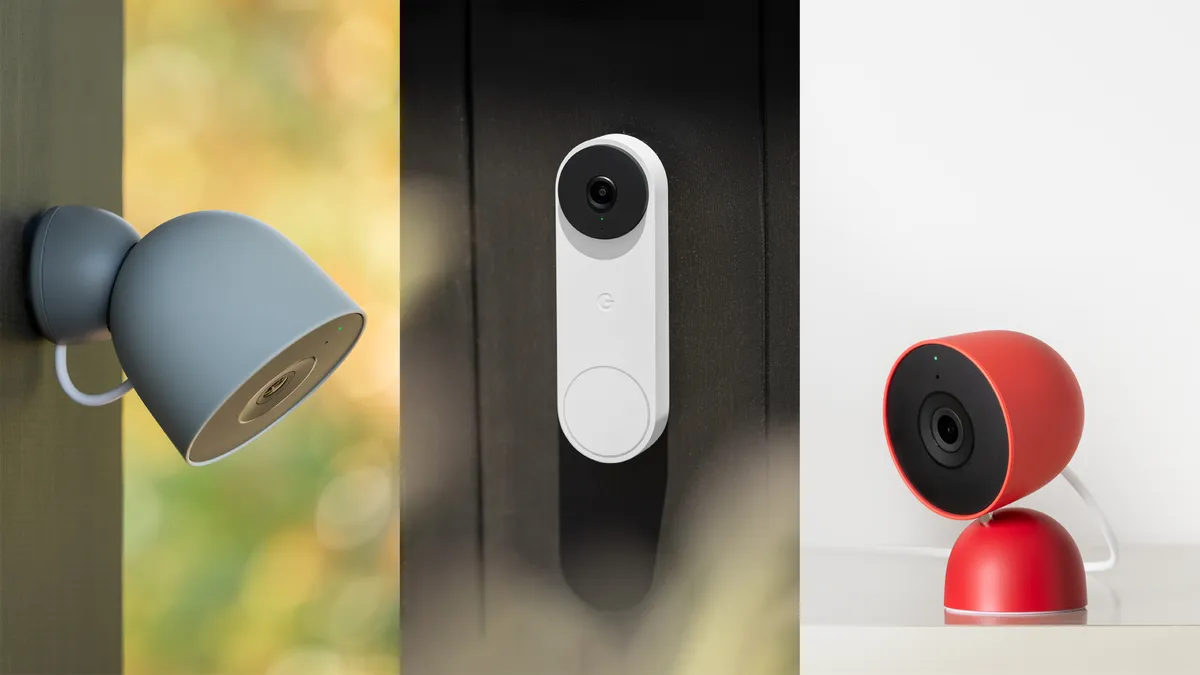
Best for: a wired indoor camera in an existing Google Home setup.
Pros
- 2K HDR and 152° diagonal view
- Included basic person, animal and vehicle alerts
- Six-hour event-preview window
Cons and trade-offs
- Indoor-only with outlet needed
- Extended event history and continuous recording require Premium
Our recommendation
Nest Cam Indoor (wired, 3rd gen) is more appropriate for a living area than a front eave. Google provides a useful free alert set, but its included video previews last only six hours. If reviewing incidents days later matters, plan for Google Home Premium before comparing it with a local-storage camera.
Choose another if: local storage, outdoor mounting or a long free history window is essential.
Ring Outdoor Cam Plus Battery: existing Ring households
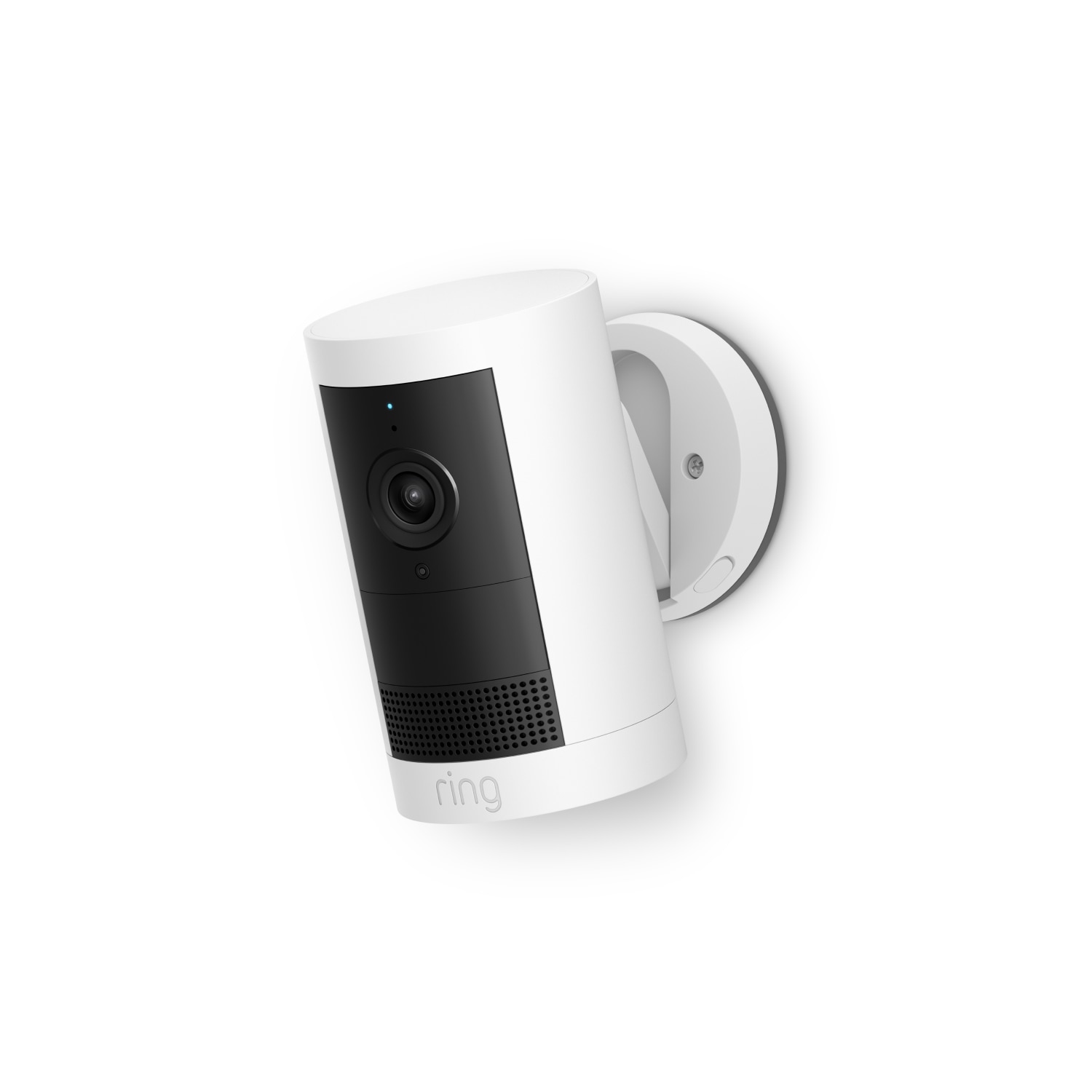
Best for: a Ring user who wants a current 2K battery unit for an outdoor zone.
Pros
- 2K video and 160° diagonal field
- Indoor/outdoor mounting options
- Privacy zones and familiar Ring workflow
Cons and trade-offs
- No saved missed videos without Ring Protect
- Battery upkeep and network dependence
Our recommendation
Ring Outdoor Cam Plus Battery has clear value in an existing Ring home. Its app and plan can keep several Ring devices together. For a new buyer, however, the subscription is a key cost decision: Ring says a camera without Protect gives live view and notifications, not stored missed events.
Choose another if: you will not pay for Ring Protect but still want saved incidents.
Search Amazon US for Ring Outdoor Cam Plus Battery (confirm exact model and configuration).
Wyze Cam v4: plug-in local value
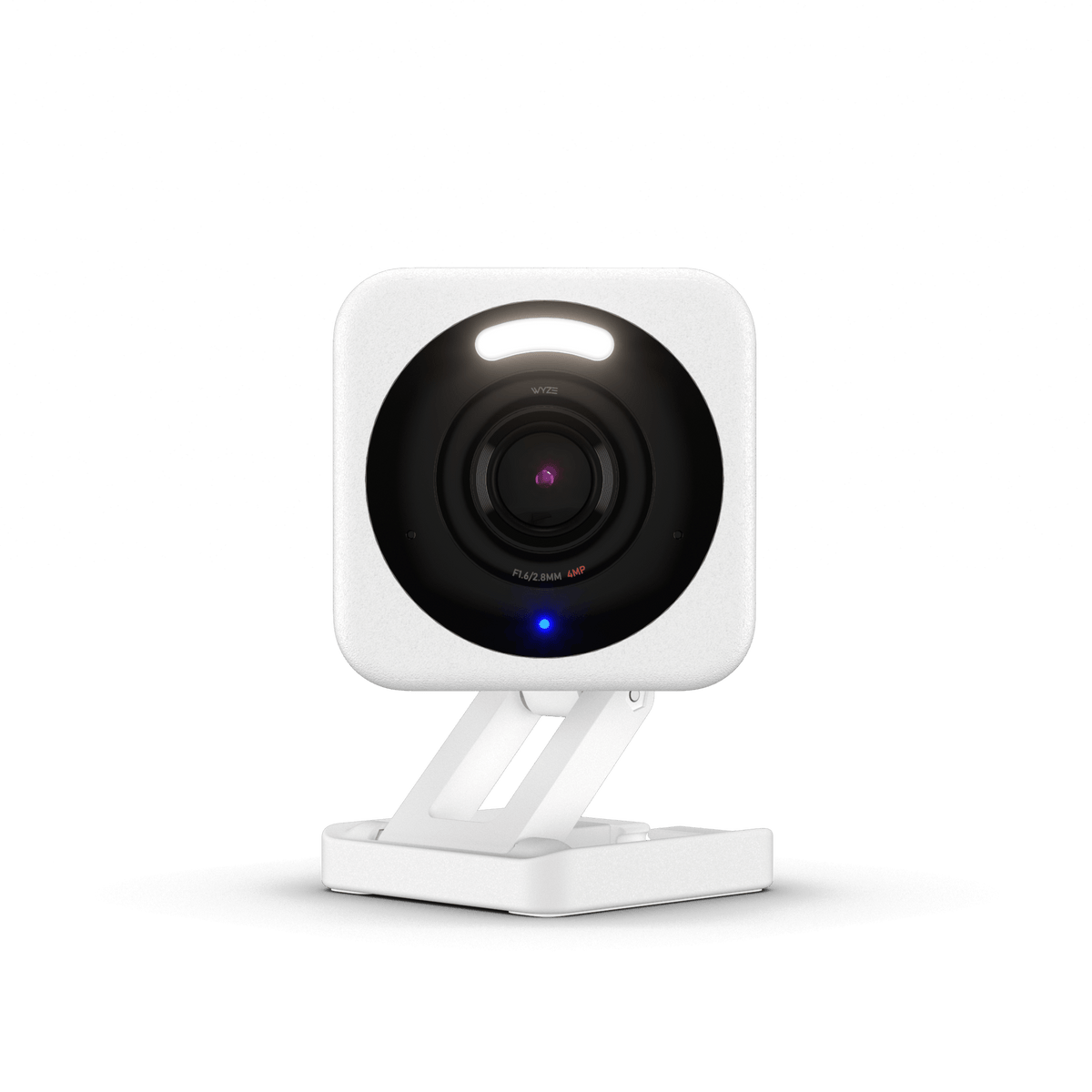
Best for: an indoor or sheltered outdoor outlet where a microSD-first setup fits.
Pros
- 2.5K resolution and onboard spotlight
- Continuous microSD recording with separately purchased card
- Compact IP65 camera body
Cons and trade-offs
- Needs a power cable; outdoor power accessory is separate
- Cloud AI and backup are paid options
Our recommendation
Wyze Cam v4 is the affordable counterpoint to cloud-first subscription cameras. Its microSD option can keep continuous footage locally. Take the weather details seriously: the camera body is IP65, but the wiring and adapter still need appropriate outdoor protection.
Choose another if: battery power or a self-contained outdoor power system is required.
Buying guide
Compare recording architecture first
A high-resolution live feed is less useful if the event has disappeared by the time you check it. Ring and Arlo make saved history plan-led; Wyze offers microSD continuous recording; eufy stores events through HomeBase 3; Nest includes six hours of short previews. Review export and retention rules for the exact plan.
Match the camera to power and exposure
Indoor wired units are simple near an outlet. Outdoor battery units need accessible recharging; eufy solar charging requires direct sun. A weather-rated camera does not make its plug or extension cable safe outdoors.
Think in zones, not a single winner
A door, driveway and indoor hallway present different distances and lighting. Check view at night and alert boundaries. Our home-security placement guide examines five common roles; a smart plug can automate lamps but should not interrupt camera power.
Frequently asked questions
Which security camera avoids a subscription?
Wyze supports microSD recording and the eufy S330 kit uses HomeBase 3 local storage. Some optional features may still use cloud services; inspect the exact configuration and privacy settings.
What is the difference between 2K and 4K in practice?
More pixels can preserve detail, but mounting distance, night light, motion blur, compression and field of view also affect useful identification. Compare a camera at your planned position rather than treating resolution as a guarantee.
Should I use a camera indoors?
Place it in a shared space with a clear purpose, account for household privacy and audio rules, and use app privacy controls. A wired indoor model is easier to maintain than a battery device where an outlet is available.
Research method and primary sources
We compared current primary manufacturer pages, exact models and practical use-case tradeoffs. We have no original hands-on or durability test records. Recommendations are editorial judgments, while product specifications remain manufacturer claims.
Primary sources: Arlo Pro 6 (6th Gen) manufacturer page; eufyCam S330 (eufyCam 3) manufacturer page; Google Nest Cam Indoor (wired, 3rd gen) manufacturer page; Ring Outdoor Cam Plus Battery manufacturer page; Wyze Cam v4 manufacturer page; Google Nest 2025 launch and included features; Wyze Cam v4 technical specifications. Our methodology.
Affiliate disclosure
As an Amazon Associate, The Gear Audit earns from qualifying purchases. We may earn an affiliate commission when you buy through our links, at no extra cost to you. Full affiliate disclosure.