How to Choose a Gaming Headset by Platform and Connection
By The Gear Audit Team · Manufacturer specification check September 27, 2026.
Quick answer
Begin with the platform and connection path. A headset advertised for PC, PlayStation and Xbox can expose different game audio, microphone and controls on each path. SteelSeries Arctis Nova Pro Wireless for Xbox uses a base station with a dedicated Xbox jack; HyperX Cloud III Wired offers USB and 3.5 mm paths; Razer BlackShark V2 X is a simpler analog headset. Match the exact variant and connection before comparing sound claims.
“Works with consoles” is not specific enough. Identify the console or computer, headset variant, USB adapter or base station, microphone path and software requirements. Then confirm the features you need on that exact connection.
Choose the signal path first
| Path | What to verify | Example |
|---|---|---|
| Xbox wireless base station | The Xbox-compatible variant and its dedicated Xbox connection | Arctis Nova Pro Wireless for Xbox has a documented Xbox jack and second USB jack |
| PC or PlayStation wireless | Exact platform edition, transmitter and supported chat functions | Do not assume a similarly named Xbox and PlayStation variant has identical ports |
| Analog headset jack | A compatible four-pole 3.5 mm microphone/headphone connection | Razer BlackShark V2 X uses analog 3.5 mm; check the device or controller jack |
| USB and analog options | Which controls and processing work on each connector and platform | HyperX Cloud III Wired provides USB-C, USB-A and 3.5 mm paths |
Read the exact variant guide
The official Arctis Nova Pro Wireless Xbox guide identifies the wireless base station, dedicated Xbox jack and second USB input. The similarly named wired Arctis Nova Pro uses a different system. Match the word “Wireless” and Xbox platform identification on both the listing and the supplied base station.
Razer BlackShark V2 X specifications describe its analog connection. The software surround feature has Windows requirements; it should not be treated as a function available on every console.
HyperX Cloud III Wired documentation lists several platform and connector options. Check the connection used by your specific platform rather than assuming USB functionality is identical everywhere.
SteelSeries Arctis Nova Pro Wireless for Xbox

Best for: Xbox plus another USB source when the full base-station system is useful.
Pros
- Dedicated Xbox jack and a second USB input are documented; 2.4 GHz game audio and Bluetooth can serve different sources.
- The package uses swappable batteries, so a compatible spare can charge at the base station while the headset is in use.
Cons and trade-offs
- The base station occupies a desk position, USB ports and power; it is a multi-piece setup rather than a plug-in headset alone.
- A PlayStation or wired Nova Pro package is a different purchase; the Wireless Xbox jack layout must match the cart.
Choose another if: You want plug-and-play analog audio or do not have room and power for the base station.
Our recommendation
Confirm the Xbox Wireless package and base-station labels, then test chat and source switching in your own setup.
HyperX Cloud III Wired
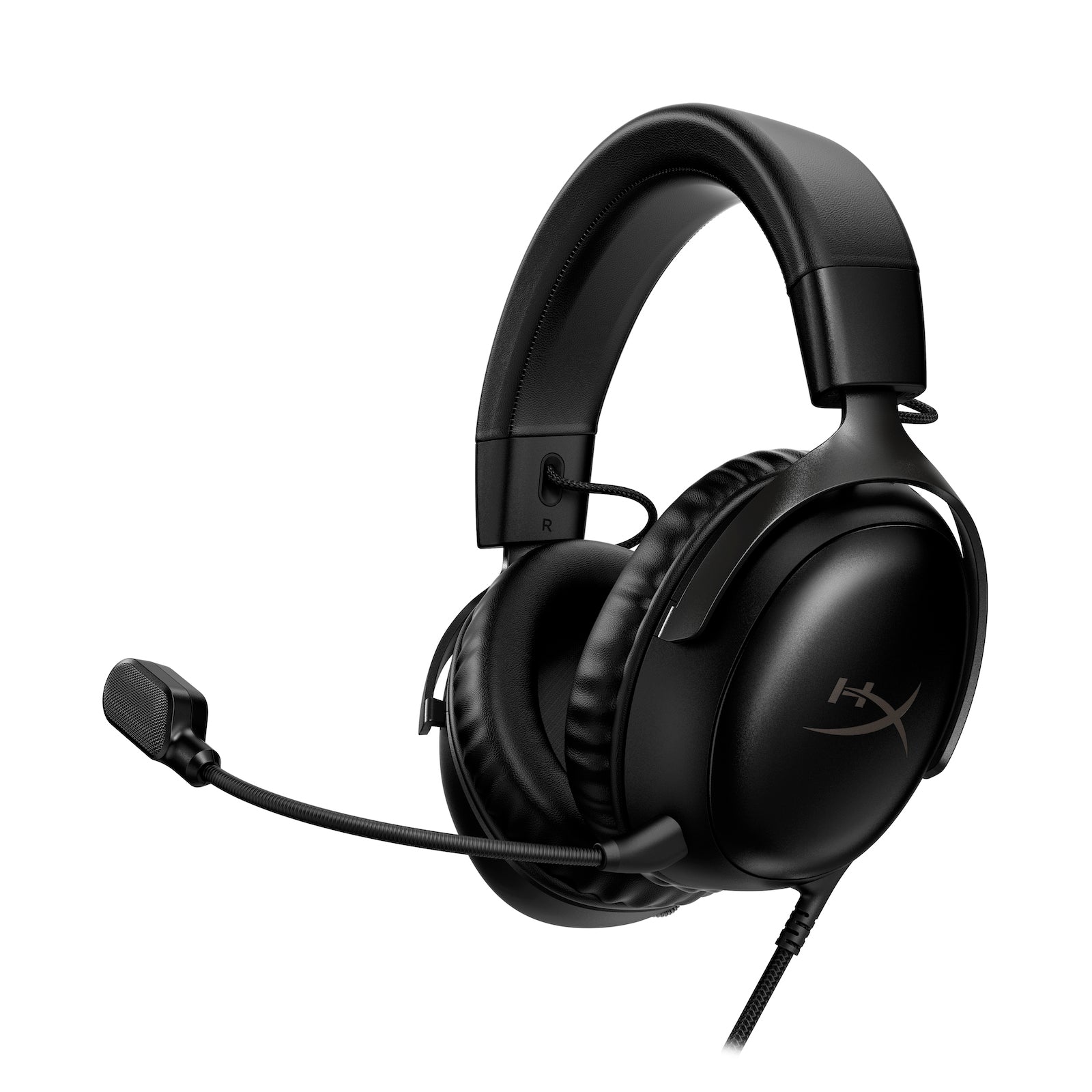
Best for: A wired headset moved among devices with USB-C, USB-A or 3.5 mm access.
Pros
- Three documented connector paths give more ways to reuse one headset.
- The detachable boom microphone can be removed when voice input is unnecessary.
Cons and trade-offs
- Feature and microphone behavior can differ by platform and connection; adapters and cables must be checked.
- The cable keeps the wearer near the device and needs a route around a chair or controller.
Choose another if: Your console cannot use the connector you plan to rely on.
Our recommendation
Write down the connector for each device before buying; verify game sound and chat separately.
Razer BlackShark V2 X

Best for: A straightforward 3.5 mm controller or computer jack.
Pros
- Analog connection reduces reliance on a dedicated USB transmitter or base station.
- On-ear volume and microphone-mute controls remain available on its analog connection.
Cons and trade-offs
- Its fixed boom microphone cannot be detached for headphone-only use.
- Razer’s 7.1 software surround is Windows-specific, not a console-wide effect.
Choose another if: You need wireless movement or a detachable microphone.
Our recommendation
Choose it only if your device has a compatible four-pole headset input or documented adapter.
Check game audio and chat separately
A device that produces headphone sound may still need a different setting or adapter for microphone input. Confirm chat mixing, sidetone, mute behavior and whether any control depends on desktop software.
For wireless use, check whether phone Bluetooth audio and game audio can play together, how incoming calls are handled and which radio connection serves each device. A Bluetooth label alone does not prove the complete gaming workflow.
Plan ownership
- Check replacement pads, cables, microphones and batteries where applicable.
- Read the seller’s return terms and verify included adapters or base stations.
- Use a permitted trial to assess clamp, heat, glasses contact and microphone pickup.
- Test your normal game, calling app and device-switching routine.
Specifications do not rank directional cues, comfort, latency or voice quality. Those questions require suitable measurements or experience in your own setup.
Razer BlackShark V2 X RZ04-0324 support specifications identify its analog jack, on-ear controls and model family. Verify the exact regional edition in the cart.
Exact-model searches
Buying checks before checkout
Write down the exact console generation, controller revision, PC ports and any work laptop restrictions. Match the headset’s audio path and microphone path separately. For USB, verify which functions work on that platform; for analog, confirm a combined headset jack or the correct splitter. Check the included base station, dongle, cables and replacement pads. During a permitted trial, test your normal game, party chat and call app with the exact devices you will use. Specifications do not establish directional audio, latency, comfort or voice clarity in your room.
For more connection planning, read our gaming-headset buying advice. If your main use is calls and travel rather than a console, compare our wireless-earbud use cases.
Common questions
Will any USB headset work on Xbox?
No. Xbox support requires the exact licensed connection path or platform variant. A PC USB listing alone is insufficient.
Is 3.5 mm automatically compatible with every controller?
No. Confirm the controller or device’s headset jack, microphone contact arrangement and any adapter requirement.
Does virtual surround work on every platform?
No. Read the maker’s platform and software requirements; a Windows feature should not be assumed on a console.
Research method, primary sources and limits
We checked SteelSeries’ Wireless Xbox guide, Razer’s BlackShark V2 X specifications and HyperX’s Cloud III Wired documentation. Features are manufacturer statements; the selection sequence is editorial. No headset was worn, measured or tested by us.
Primary sources
- official Arctis Nova Pro Wireless Xbox guide
- Razer BlackShark V2 X specifications
- HyperX Cloud III Wired documentation
- Razer BlackShark V2 X RZ04-0324 support specifications
Affiliate disclosure
As an Amazon Associate, The Gear Audit earns from qualifying purchases. We may earn an affiliate commission when you buy through our links, at no extra cost to you. Read our full affiliate disclosure.