Computer Peripherals
Compare keyboards, mice, webcams, headsets, docks, and other computer peripherals by connection type, compatibility, layout, controls, comfort, latency, software support, and portability. We focus on fit with your desk, devices, workflow, and maintenance needs.
We are updating this category to research-based comparisons. Some older articles still need review. Check each article for its research date, cited sources, exact models, and stated limitations before relying on a recommendation.
Computer Peripherals
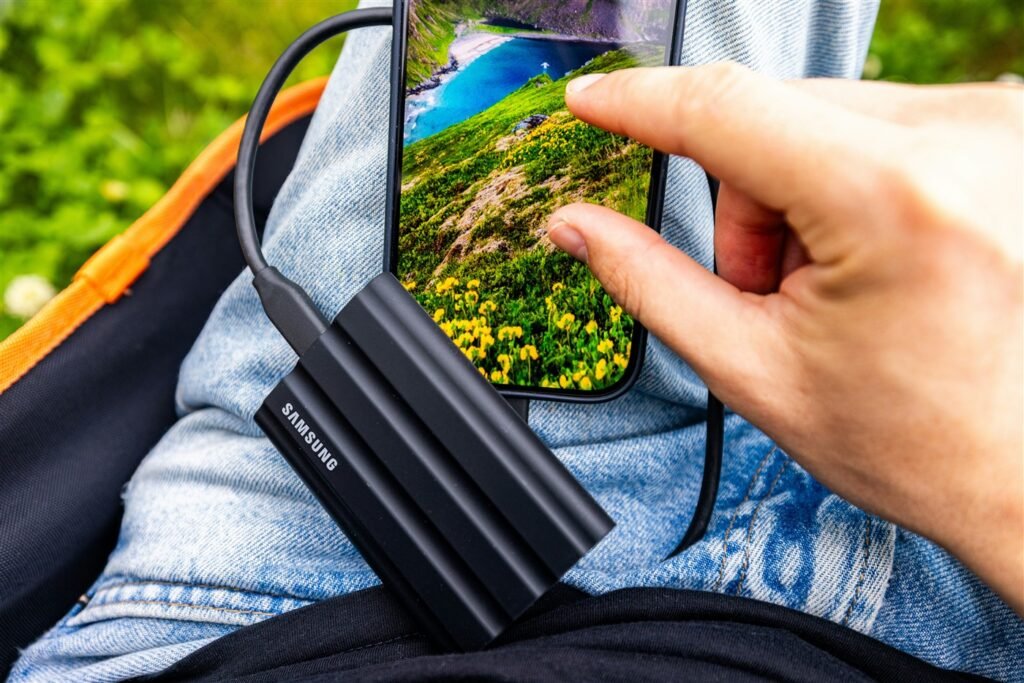
Choose for sustained writes, power demand and the complete recording kit. Apple’s ProRes requirements, a conditional T7 Shield example and practical checks before filming.
Computer Peripherals
Start with your Mac’s total storage, then allow space for backup history and any separate files. Worked examples explain Apple’s twice-capacity guidance and show why a shared physical drive needs a larger budget.
Computer Peripherals
Choose between the U.S. iPhone 16 Pro Max and Galaxy S25 Ultra by the way you use your phone: Apple Watch and ProRes, or S Pen and dedicated 3x and 5x cameras. Includes charging and used-buying checks.
Computer Peripherals
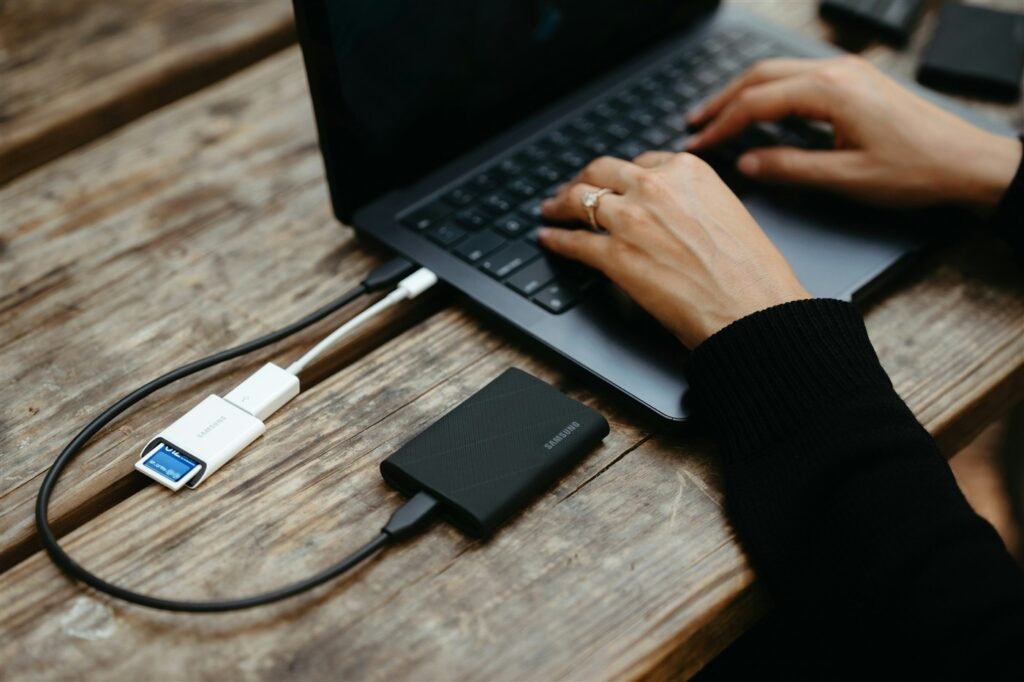
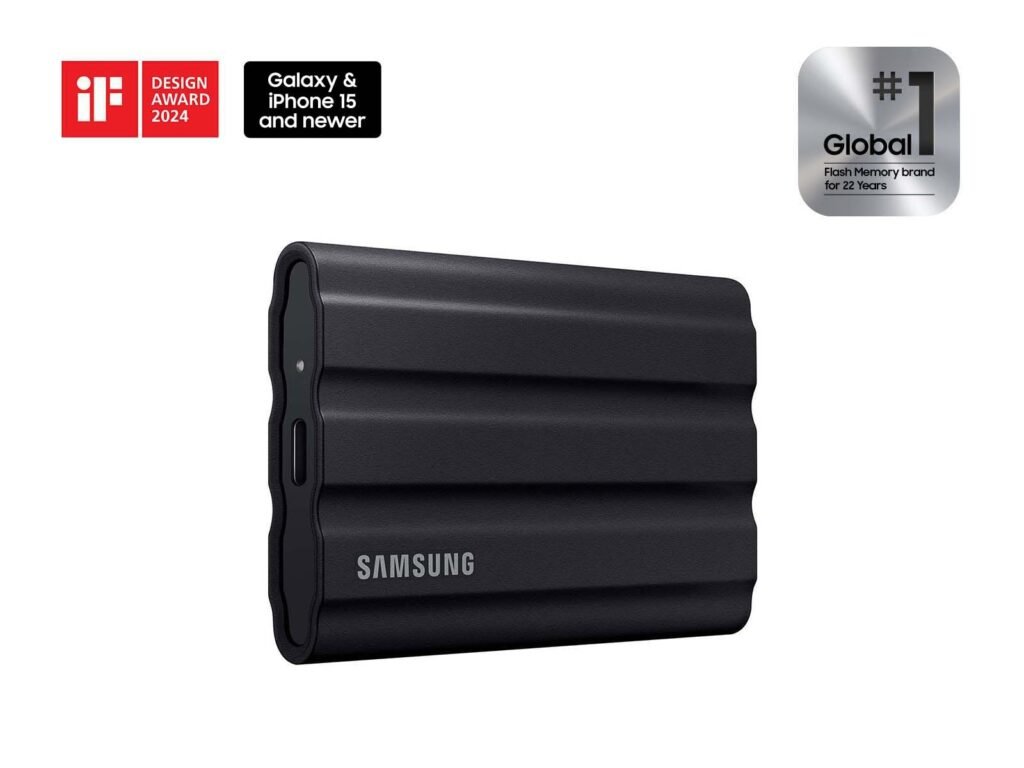
Choose a 2TB external SSD for your actual port and workflow: Samsung T7 Shield for stated IP65 protection, T9 for confirmed 20Gbps hosts, or Kingston XS1000 for lighter everyday carrying.
Computer Peripherals
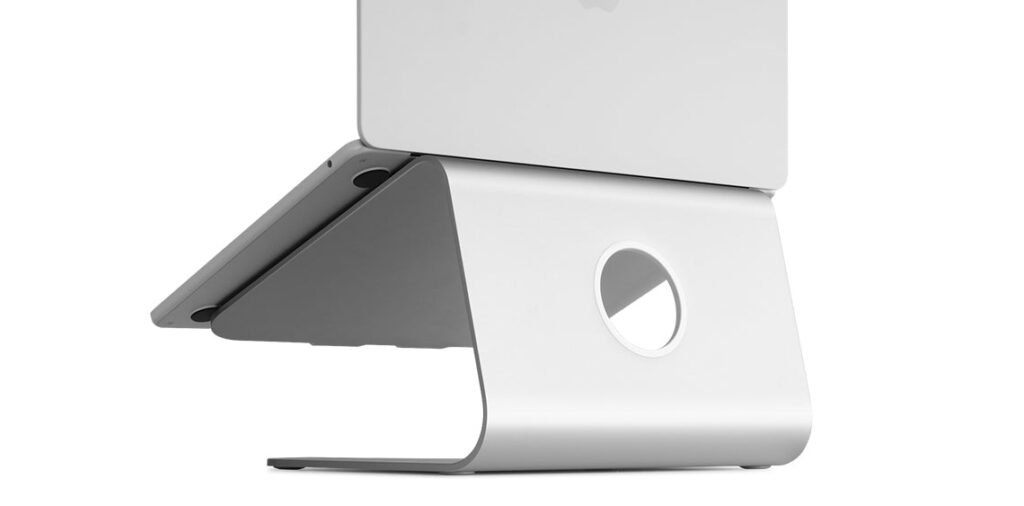
Three laptop stand picks for a fixed desk, adjustable positioning and frequent travel, based on current manufacturer documentation.
Buying Guides, Computer Peripherals
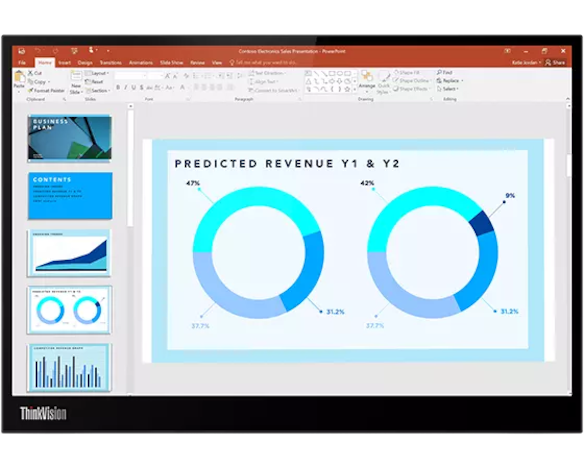
Start with the connection and power route, then choose readable screen size and a useful stand. Lenovo M14d and ASUS MB16AHG illustrate two different setups.
Computer Peripherals
Keep your 3.5mm headphones with a simple Apple USB-C adapter, or add simultaneous wired charging with Belkin NPA004. Check the exact phone, tablet and headset first.
Computer Peripherals
UHS-II can improve a compatible SD-card offload route; dual SD/microSD slots can matter more for UHS-I users. Compare Anker A8370 and SanDisk SDDR-409 by workflow.
Computer Peripherals
Gigabit is sufficient for a gigabit network. Choose 2.5Gbps for a verified faster path or USB-A flexibility; compare two exact Plugable adapters and check the current revision.
Computer Peripherals
Match the screen input and the computer’s documented video output. Compare Plugable USBC-HDMI-CABLE and current bidirectional USBC-DP for one screen at up to 4K/60.